Tool2024 to now
Email Signature Generator, a free tool for every mail app
A seven step web app that builds an email signature, shows it live and gives you the HTML to paste into Gmail, Outlook, Apple Mail or Yahoo Mail.
RoleAuthor and maintainer
- Next.js
- React 19
- TypeScript
- Tailwind CSS 4
- React Aria
- Playwright
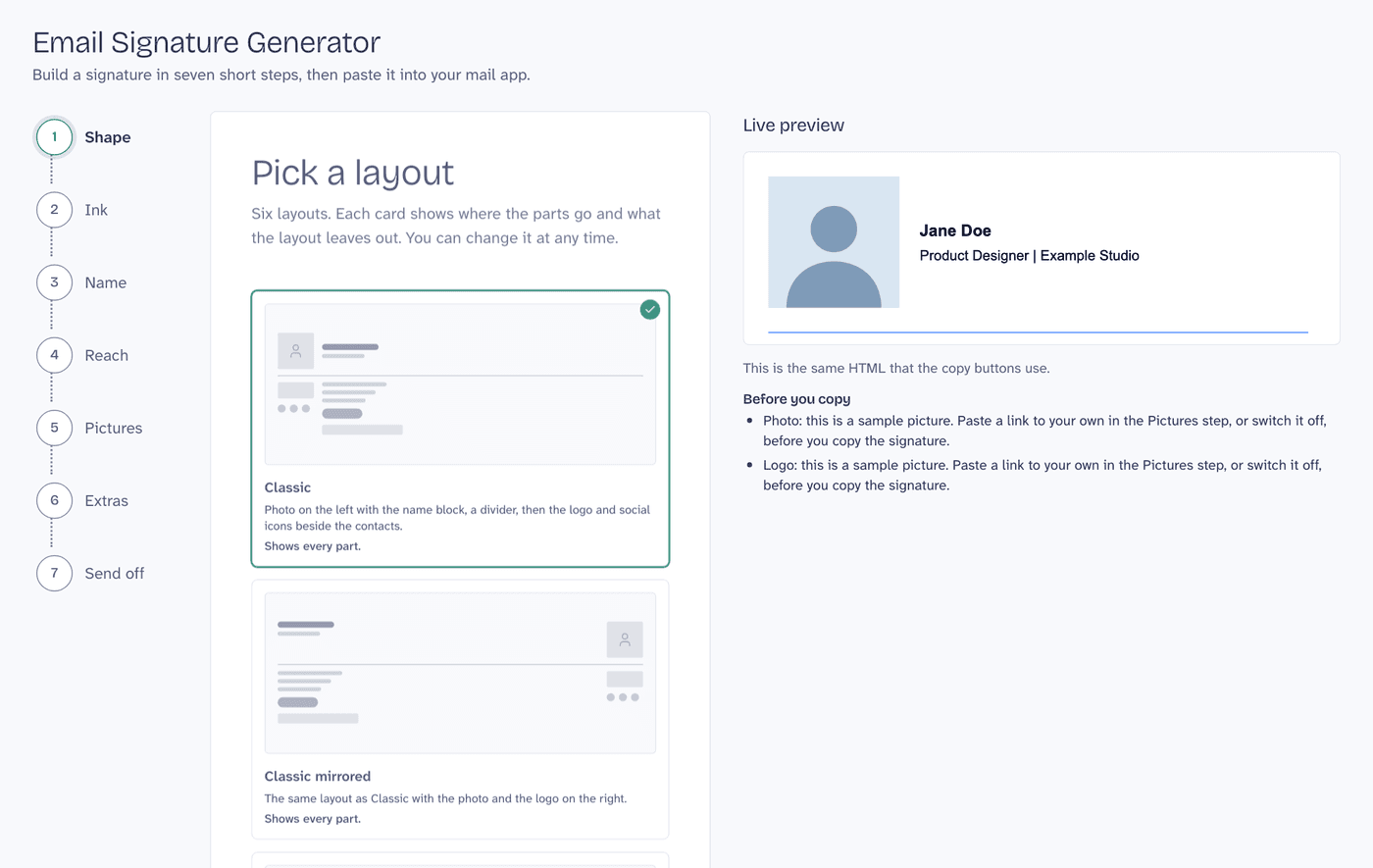
Overview
A team I work with needed to update the email signature of everyone, and people used different mail apps: some Gmail in the browser, others a desktop app. I saw the chance to build a tool for it with Next.js. This is a separate app, written on its own, and it is free: no account and no payment.
You pick one of six layouts, set the colors and the font, fill in your details, add the links of your pictures, and copy the result. The preview and the copy buttons use the same HTML, so what you see is what you paste. A guide for each mail app names the menus.
The challenge
Mail apps ignore most modern CSS, so a signature has to be tables with inline styles and images with absolute https links. Round photos become squares in Outlook on the desktop, and the Gmail app on a phone only takes plain text. The tool has to say these limits plainly, and it must never let a typed value break the page or the signature.
Key features
- Six layouts, one renderer. Each layout shows where the parts go and what it leaves out. An empty part leaves no gap.
- A live preview that is the output. The preview is the same HTML string that the copy buttons use, shown in a sandboxed frame.
- Careful with input. Every URL goes through one validator, text is escaped in the model, and colors, fonts and sizes come from fixed lists.
- Install guides for Gmail, Outlook, Apple Mail and Yahoo Mail, with links to each vendor's help page.
- Private by default. What you type stays in your browser.
- Social networks: 12 to choose from, with brand colors, the color of the contact icons, or one color of your own.
Technologies used
- App: Next.js with the App Router, React 19, TypeScript, Tailwind CSS 4, React Aria Components for the controls and Zod for the values read back from the browser.
- Tests: Jest and React Testing Library for the domain and the wizard, and Playwright on a production build, with automated accessibility checks (axe) on every step.
- Tooling and infrastructure: GitHub Actions and Vercel.
Outcome
The tool is live at miguelcolmenares.com/email-signature-generator, and the guide on the blog shows each step. The page is checked against WCAG 2.2 AA with automated tests, and has not been tried yet with a screen reader. Not every mail app was tested, so the tool asks you to send a test message to yourself before you rely on a layout.
Screenshots
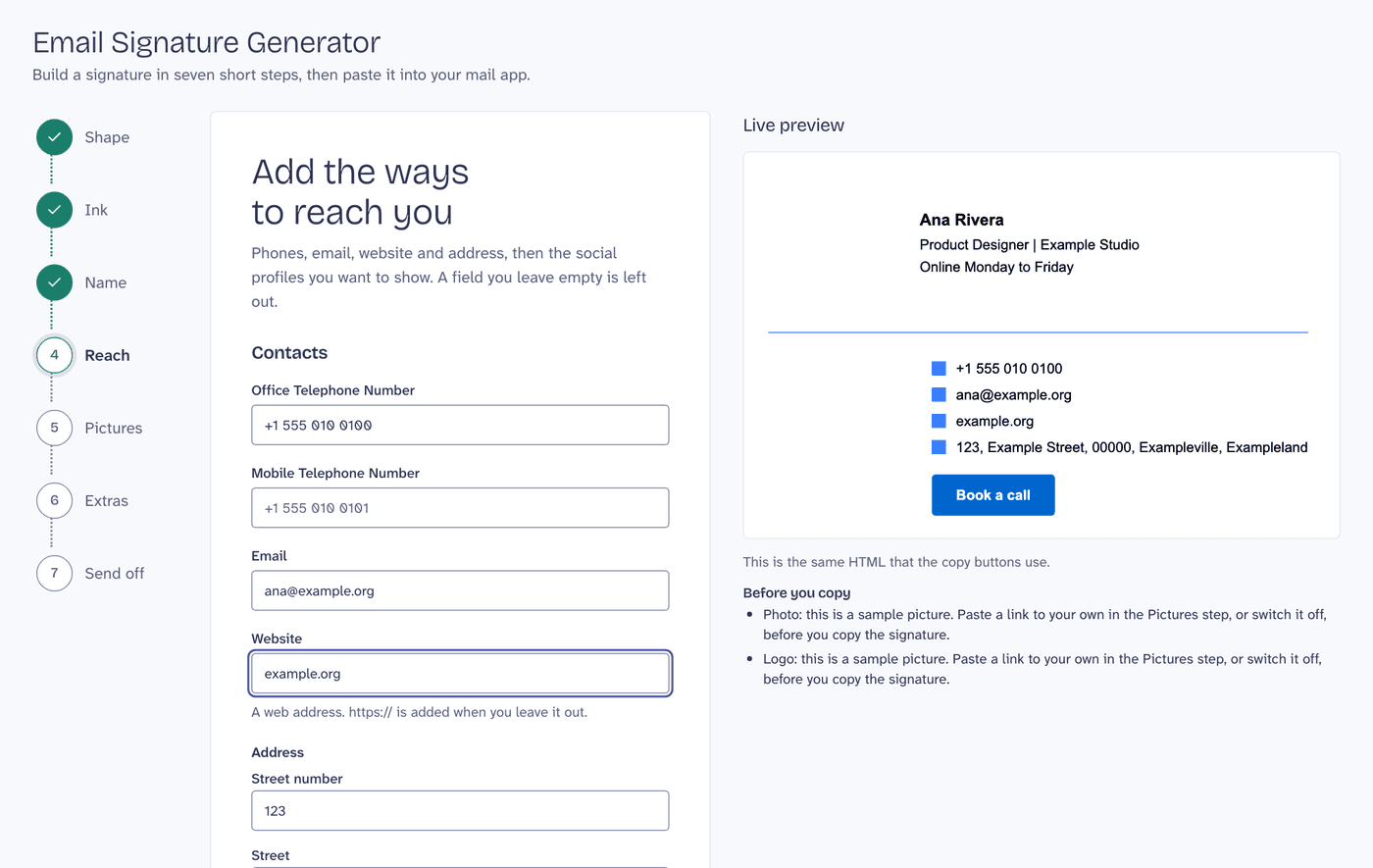
The Reach step: contacts and a list of 12 social networks. A field left empty is left out of the signature. 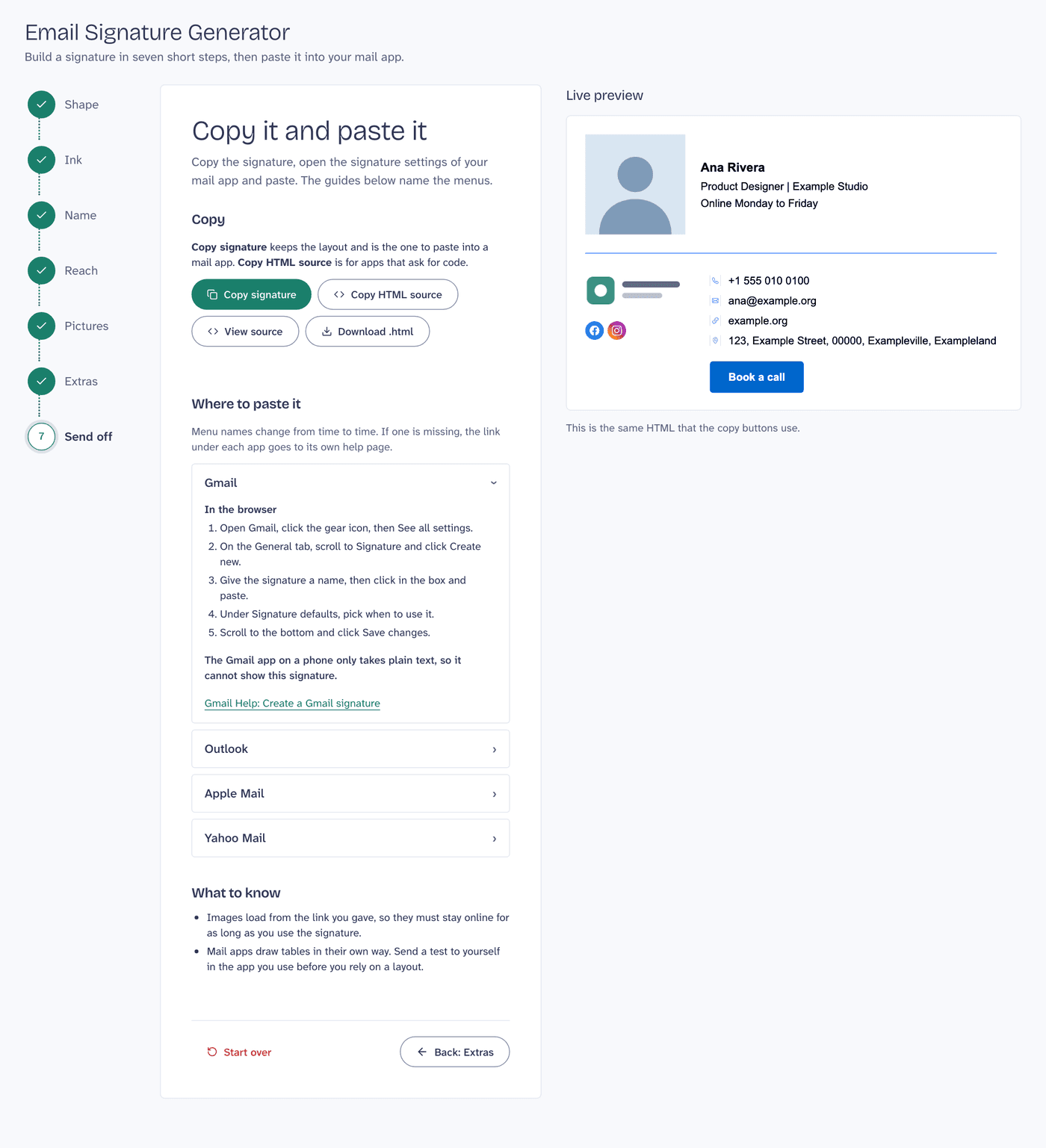
The last step: copy the signature, then follow the guide of your mail app. 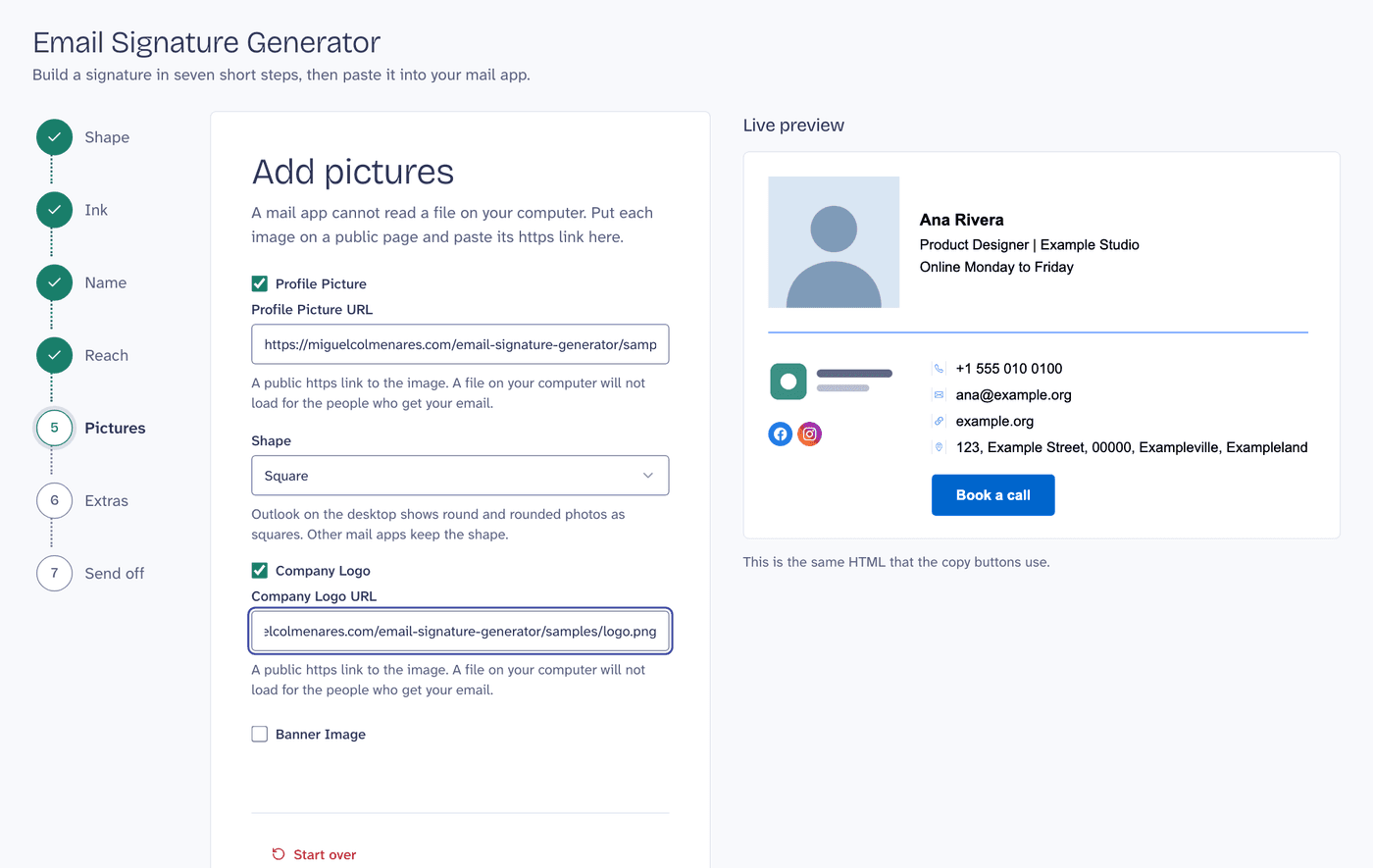
The Pictures step: a mail app cannot read a file on your computer, so each image is a public https link.